KCC Institute of Legal and Higher Education, Greater Noida
Law Admissions 2026 Open | Avail Merit-Based Scholarships


The RSSB Computer Instructor 2026 answer key was released on September 18, 2026, on the official website, rssb.rajasthan.gov.in. Candidates can download the RSSB Computer Instructor answer key 2026 directly in PDF format online using their login credentials. The exam authority has activated the RSSB Computer Instructor answer key objection link, so candidates can raise objections to the answer key.
RSSB Computer Instructor 2026 Answer Key PDF link: Click here
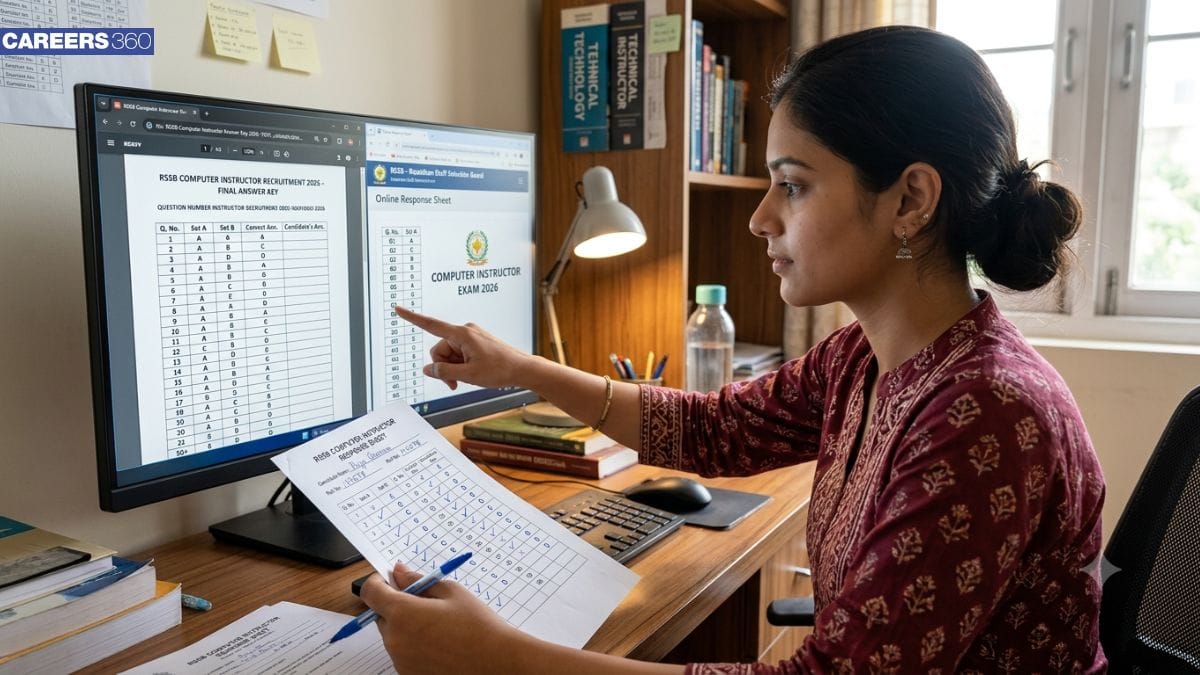
The Rajasthan State Selection Board conducts the RSSB Computer Instructor exam in offline mode to recruit candidates for the role of a computer instructor in the state of Rajasthan. The applicants can estimate their score by tallying the answer key with their RSSB Computer Instructor Response Sheet 2026. The article below provides complete details and steps to download the RSSB Computer Instructor answer key.
Also Read:
Event | Dates |
RSSB Computer Instructor exam 2026 | August 22, 23, 2026 |
Provisional RSSB Computer Instructor 2026 answer key | September 18, 2026 |
RSSB Computer Instructor answer key challenge window | September 19 to 21, 2026 (Online) September 19 to 24, 2026 (Offline) |
Final answer key | To be announced |
RSSB Computer Instructor result 2026 | To be announced |
Visit the official RSSB website, rssb.rajasthan.gov.in
Navigate to the ‘Candidate Corner’ tab
Click on the ‘Answer Key’ section
Select the year and exam name
Click on the link for ‘Basic and Senior Computer Instructor 2026 Answer Key’
The answer key PDF will be displayed on the screen
Download and save the PDF document
The exam authority provides candidates with the opportunity to raise their objections against the RSSB Computer Instructor Provisional Answer Key 2026 from September 19 to 21, 2026, directly on the website. Candidates can also submit their objections in offline mode from September 19 to 24, 2026. Candidates must submit valid, government-approved proofs or textbook references to support their objections against the answer key. The applicants can raise their objections by following the steps below:
Visit the official Rajasthan SSO portal
Log in using the credentials
Click on the ‘Question Objection’ tab
Select the ‘Basic and Senior Computer Instructor 2026 exam’
Submit your roll number and the question numbers on the master question paper
Pick the objection reason and provide valid proof for the objection
Pay the objection fee online
Submit the objection and download the confirmation page

Law Admissions 2026 Open | Avail Merit-Based Scholarships
Globally Recognized by AACSB (US) & AMBA (UK) | 18 LPA Avg. CTC for PGPM 2026
NEET PG All India & State College Predictor with Admission Process Guide
Diploma (17 Specializations), B.Tech / B.Tech (Hons.) / IE-B.Tech - 4 years - 25+ specializations | M. Tech - 14+ specializations | Highest CTC – 60 LPA
Ranked #1 In Business & Economics among Indian Universities (Times Higher Education Rankings 2026)
Register for XAT 2027 by 28th Oct to become eligible to take the Mock Test | 75+ years of legacy | #1 Entrance Test | 100+ Test Cities | 250+ B-Schools accept XAT Score